
10 / LOGISTICS & MATERIALS
ROLE GUIDE 10
Logistics and MaterialsKeep work moving by getting the right materials to the right place at the right time
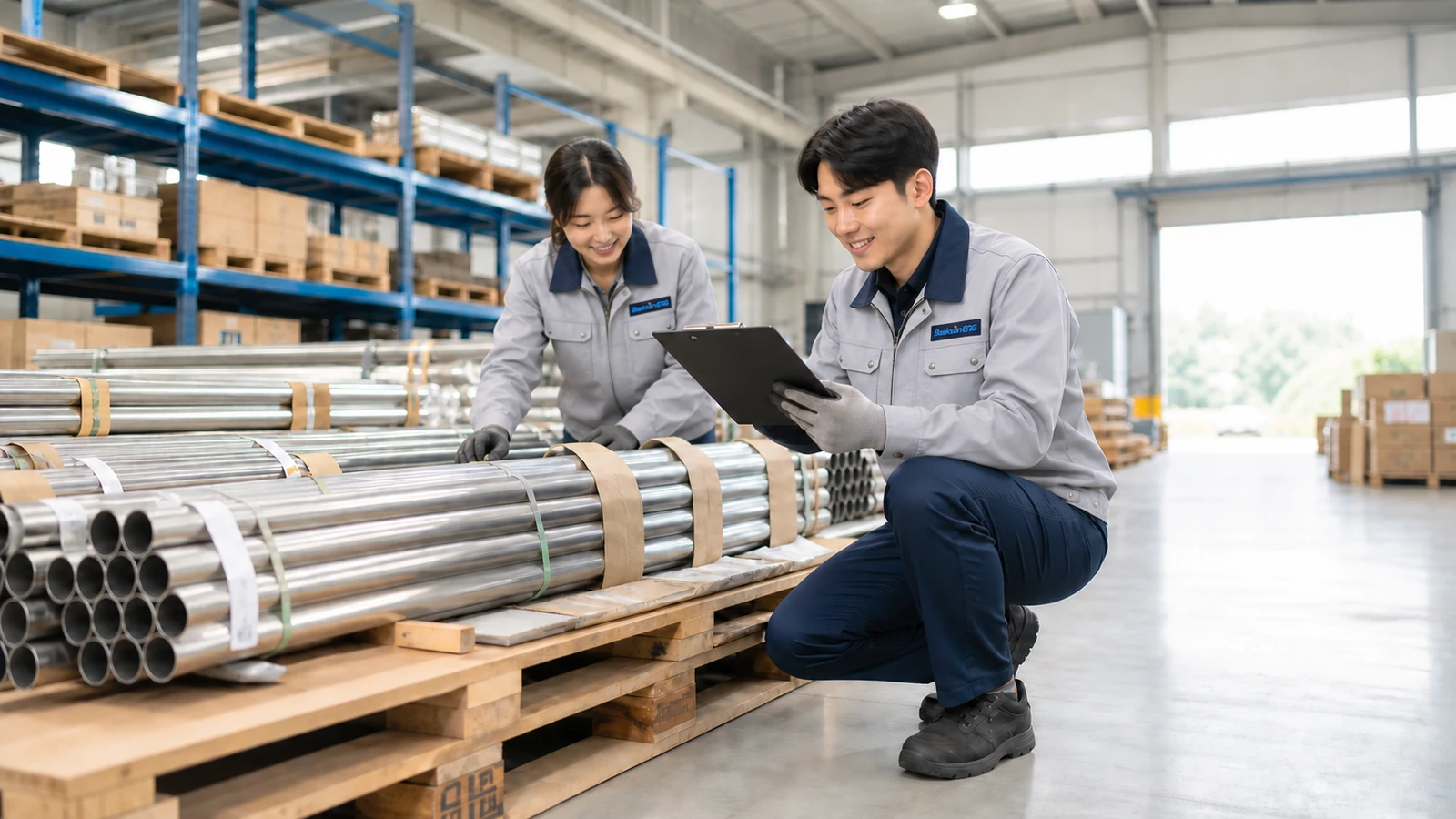
- Anseong Factory Materials Team
- Warehouse + Loading Area + Office
- Receive + Locate + Prepare + Dispatch
Based on the actual work experience of Taeyun Kang (pseudonym) on the Anseong Factory Materials Team.
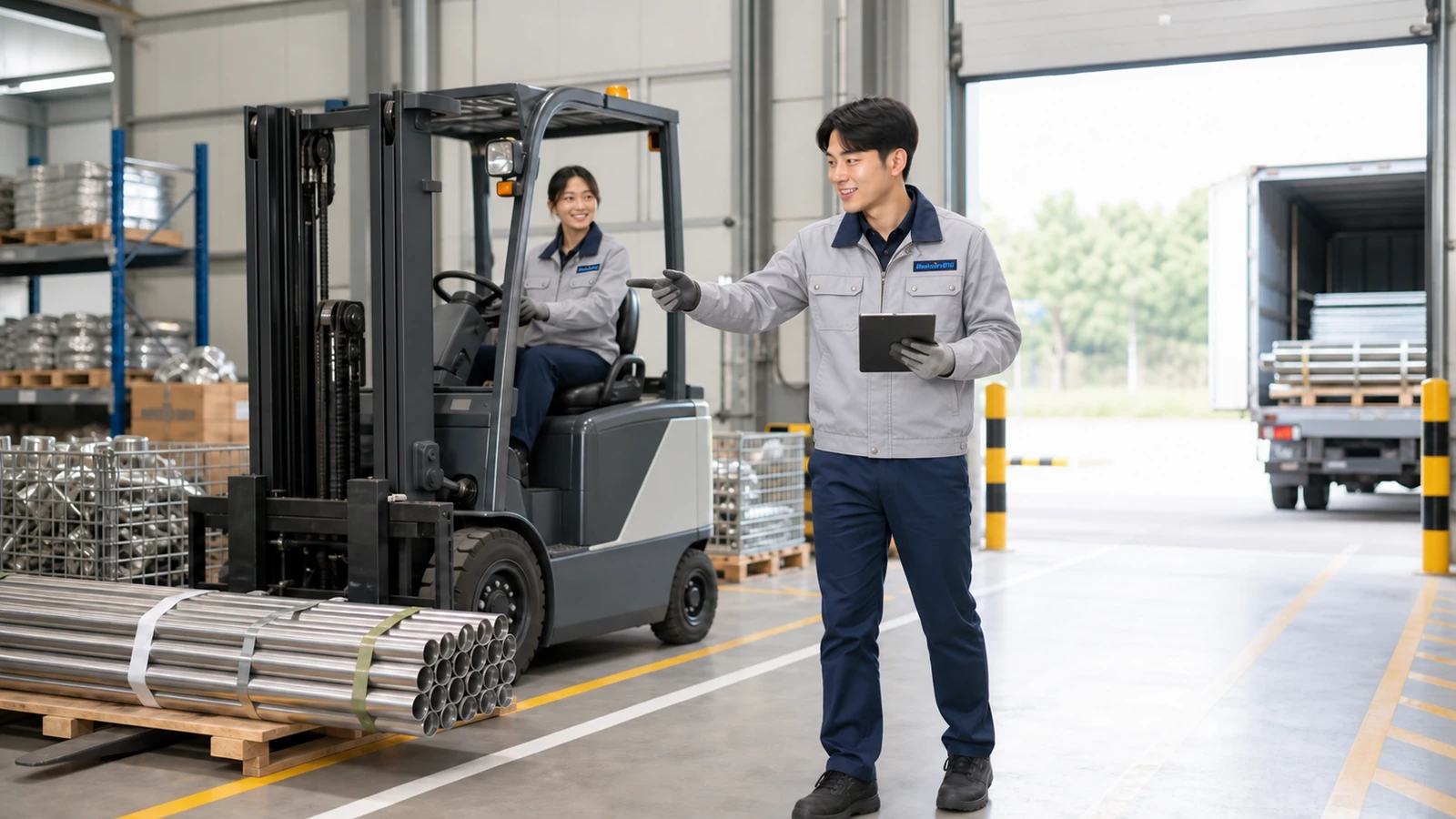
Staged work scenes featuring fictional people.
KEEP MATERIALS MOVING
Manage materials from the receiving dock to the jobsite
Logistics and materials work verifies the item, specification, and quantity of each delivery, records a location anyone can find again, and prepares what each order and field request requires.
When dispatch or delivery schedules change, the team checks inventory, vehicle availability, and jobsite priorities before adjusting the plan. Accurate receiving, location, and shipping records help keep fieldwork on schedule.
MATERIAL FLOW
Six checks take materials from the warehouse to the jobsite
The result of each stage becomes the starting information for the next. A small mismatch early can become a major delay during loading, dispatch, or field delivery.
-
CHECK Review the day’s plan
Review dispatch status, handoff notes, orders, and field requests to set the day’s priorities.
- IN
- Dispatch status · Orders · Field requests
- OUT
- Work priority
-
RECEIVE Verify incoming deliveries
Compare the delivery note with the actual item, specification, and quantity, then check for exceptions.
- IN
- Delivery note · Physical material
- OUT
- Verified receiving data
-
LOCATE Record the storage location
Put away unloaded materials and update ERP receiving records, storage locations, and labels.
- IN
- Receiving data · Available location
- OUT
- ERP record · Location data
-
PREPARE Prepare materials
Recheck item, specification, and quantity against orders and field requests, then group them for shipment.
- IN
- Order · Field request
- OUT
- Materials ready to ship
-
DELIVER Coordinate loading and dispatch
Match the vehicle, delivery zone, and work priority, then share expected departure and arrival times.
- IN
- Prepared materials · Vehicle status
- OUT
- Loading confirmation · Estimated arrival
-
VERIFY Recheck the result
Check shipment records, remaining inventory, and delivery confirmation so the next request starts with current information.
- IN
- Shipment records · Delivery confirmation
- OUT
- Inventory · Location · Shipment records
A DAY IN MOTION
Balance scheduled work with unexpected requests
The day has a basic rhythm, but field requests and delivery schedules keep changing. The team needs to check details carefully and reset priorities quickly.
-
AM Review the schedule and receive materials
- Review dispatch and handoff notes
- Hold a brief pre-work safety meeting (TBM) with drivers
- Load materials by delivery zone
- Inspect, unload, and post incoming materials in ERP
-
PM Prepare shipments for the jobsite
- Prepare materials by order
- Verify materials for field delivery
- Coordinate vehicle and dispatch priority
- Update locations for new or moved materials
THREE-WAY CHECK
Check that the paperwork, materials, and system records match
Many items have similar names or close specifications. The team cross-checks the paperwork, physical materials, and system records before proceeding.
-
01 Document
- Purchase order
- Delivery note
- Field delivery request
-
02 Physical item
- Item and specification
- Quantity and condition
- Identification label and package quantity
-
03 System
- ERP receiving and shipping records
- Current stock
- Warehouse location
Confirm receipt, preparation, or shipment only after all three checks match.
IMPROVEMENT 01 · LOCATION
Turn a location known by one person into information anyone can use
When new materials arrive or stock moves between warehouses, the team does more than move the item. Location labels and system records are updated together so the next person can find it immediately.

-
BEFORE
Rely on one person to find materials
When materials move, others have to ask the person who handled them. The extra search time delays shipments to the jobsite.
-
ACTION
Update labels and location records together
Confirm the item, specification, and storage zone, make a new label, and update the matching system location.
-
AFTER
Make materials easy for anyone to find
Anyone can use the label and location records to find the item, reducing preparation time and shipping errors.
IMPROVEMENT 02 · FIELD-BUILT AUTOMATION
Use piping and data experience to improve warehouse operations
The warehouse manager and Taeyun Kang (pseudonym) built this program by explaining their field rules to an AI agent.
PROGRAM RECORD
- ERP order processing About 1 hour
Time saved for 2 people processing 10 requests
- Organizing delivery sign-off sheets 150 min → 11 min
About a 93% reduction in recorded processing time
Two people who know the work built it with AI
They combined the warehouse manager’s piping and database experience with Taeyun Kang’s materials workflow, then continued improving the program to handle exceptions found in daily work.
- Warehouse ManagerPiping + Database Experience
- Designed the material flow and data rules.
- Taeyun Kang (pseudonym)Materials Operations + Interface Design
- Built automated data entry, quantity totals, and screens for the warehouse team.
- 01
Validate files
Check items, specifications, quantities, and missing fields together.
- 02
Automate ERP entry
Automate repetitive data entry and printing.
- 03
Total quantities and prepare materials
Begin material preparation while ERP entry continues.
- 04
Sort and share
Sort by company, work activity, and site for sharing and printing.
Team members review the automated results and handle exceptions.
WHEN THE PLAN CHANGES
Urgent requests still follow CHECK → DECIDE → SHARE
Move quickly without skipping material and schedule checks.
-
Check the request
Confirm the item, specification, quantity, and required time.
-
Check availability
Check inventory and storage locations. If stock is short, confirm when more can arrive.
-
Share priority and timing
Coordinate the vehicle and delivery sequence, then share the estimated arrival time.
CONNECTED WORK
Coordinate warehouse operations with jobsite schedules
The team shares requests, supply constraints, and delivery times quickly and accurately so materials arrive when the jobsite needs them.
- Drivers
- Align the day’s dispatch, loading sequence, vehicle entry zone, and handoff notes.
- Field Contacts
- Confirm the required specification, quantity, priority, and feasible delivery time.
- Suppliers
- Coordinate delivery item, quantity, time, and the options available when plans change.
- Purchasing
- Share order data, lead times, and the follow-up plan for shortages.
- Quality
- Check the status of materials awaiting inspection and confirm when they can move to the next step.
CAPABILITIES
Check accurately and decide what needs to move first
Material knowledge can be learned on the job. The essential habit is to verify what is unclear and communicate changes promptly to everyone involved.
Accuracy
Recheck material name, specification, quantity, and location against the document and physical item.
Prioritization
Set the next action by field need, vehicle status, and incoming-delivery timing.
Communication
Share what is possible, what is constrained, and the expected time without delay.
Ownership
Follow through beyond preparation to confirm the material reached the place where it is needed.
Improvement Mindset
When friction repeats, improve the location system or counting method instead of accepting the delay.
GROWTH PATH
From learning materials to improving the entire flow
Experience expands both the range of materials you understand and your ability to see the field, purchasing, suppliers, and vehicles as one system.
- 01
Materials, receiving, and shipping
Learn names, specifications, receiving and shipping procedures, ERP, and warehouse locations accurately.
- 02
Dispatch and field response
Coordinate the day’s logistics by balancing field priority with supplier and vehicle conditions.
- 03
System and automation improvement
Standardize locations and automate repeatable work so the whole team moves faster and more accurately.
FROM THE TEAM
Make it possible for the next person to find the material immediately
Taeyun Kang (pseudonym) · Anseong Factory Materials Team employee interview
“Our warehouse manager and I built a program that handles order entry, totals quantities, and sorts delivery sign-off sheets. Applying AI to our daily work gave us a chance to use our hands-on experience to improve the process.”